What It Looks Like
Right Now
Real screenshots from LinkLoop v1.5.0. No mockups - just the actual app as it stands today.
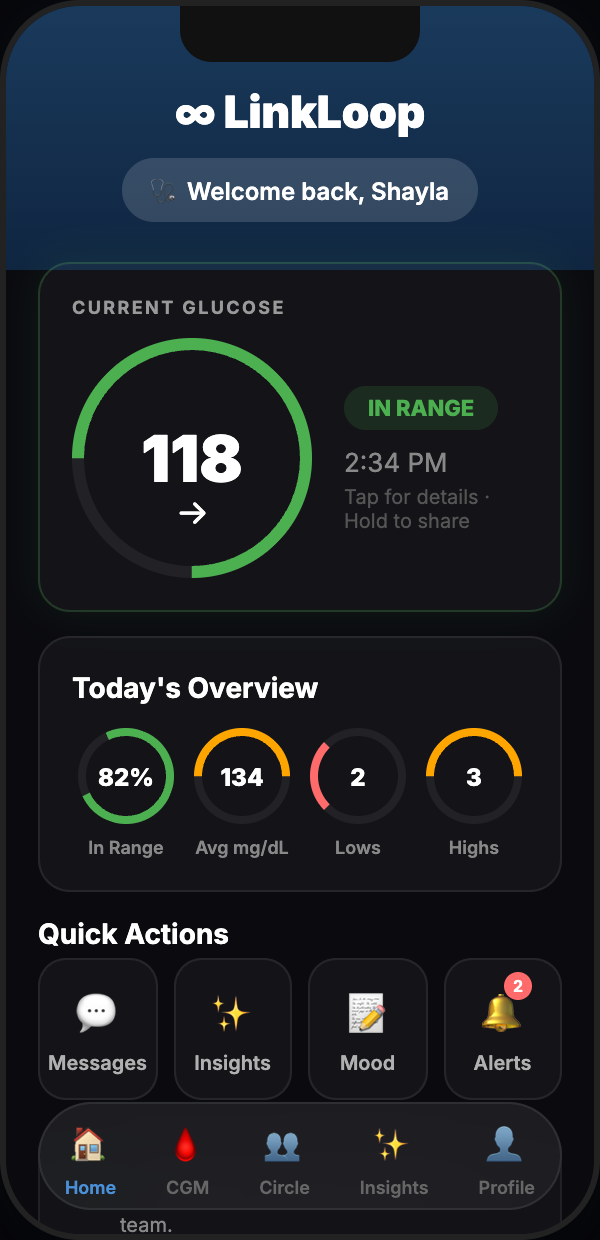
Home Dashboard
Your warrior's live glucose reading, trend arrow, and time-in-range ring - front and center the moment you open the app.
Warrior View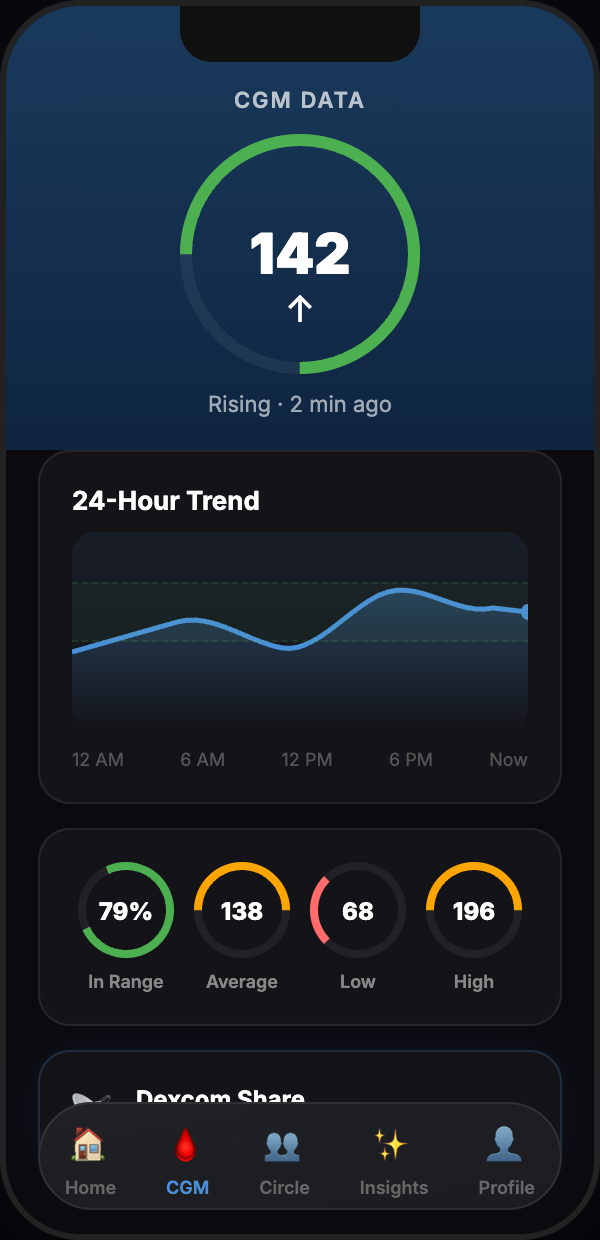
CGM Data Chart
24-hour glucose history pulled directly from the Dexcom API. Target range bands, trend lines, and real timestamps - not interpolated guesses.
Live Dexcom Data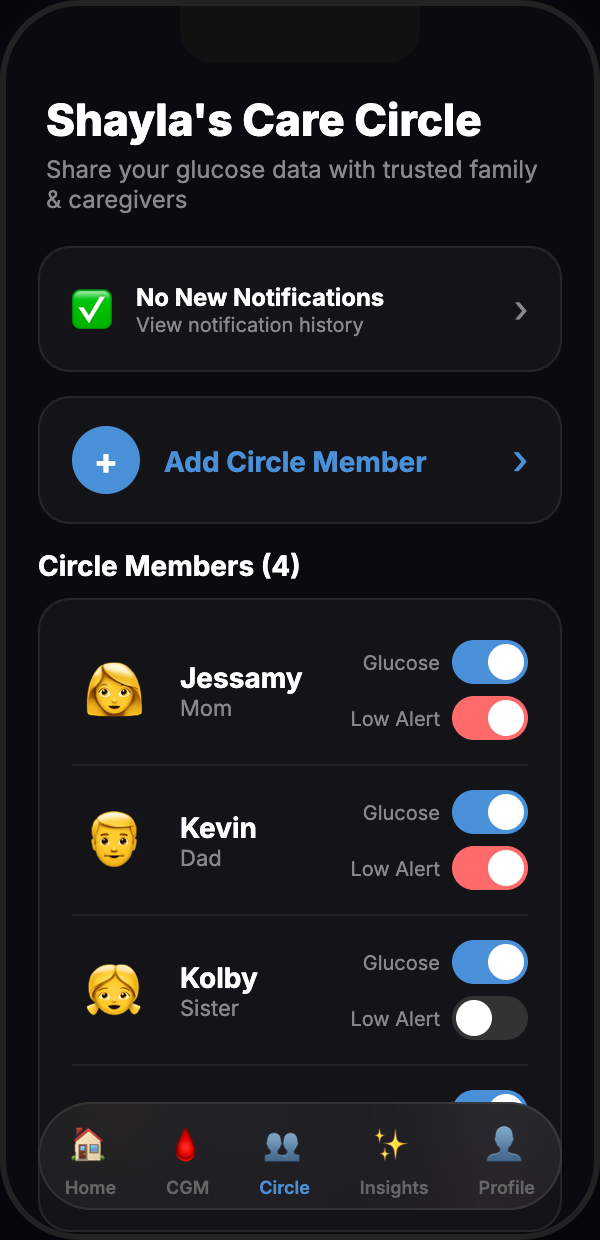
Care Circle
The warrior controls who sees their data. Invite by private code, view every active member, revoke access with one tap.
Warrior Controlled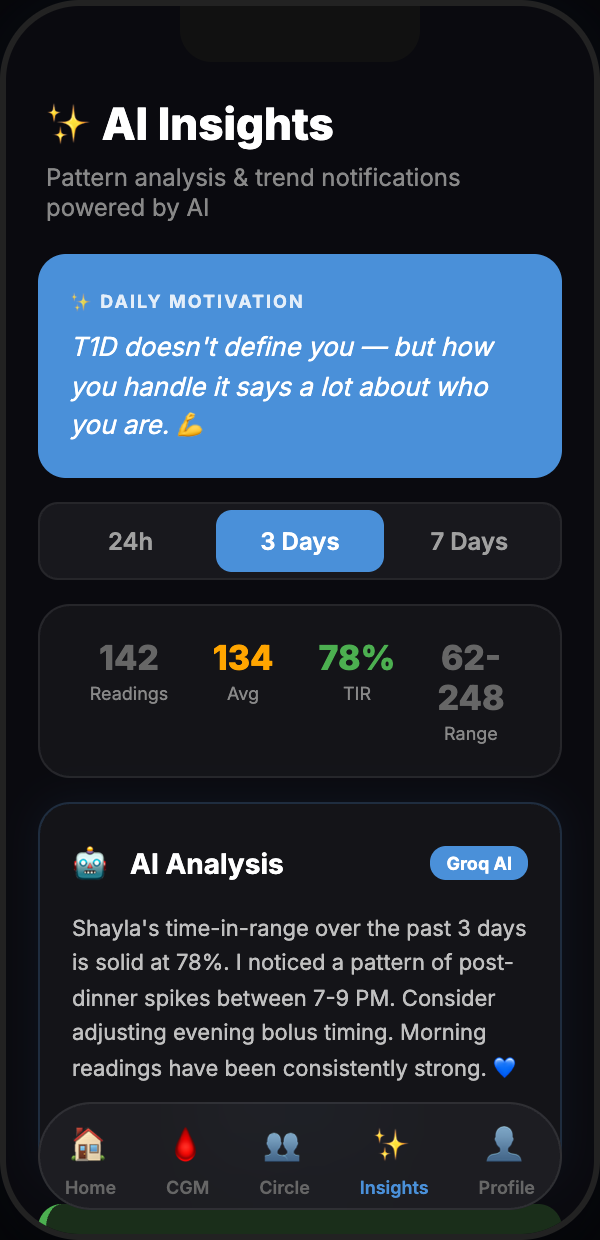
AI Insights
Groq AI reads the glucose data and surfaces plain-language patterns - time-of-day trends, overnight dips, post-meal spikes - so the whole circle can act, not just react.
Powered by Groq AI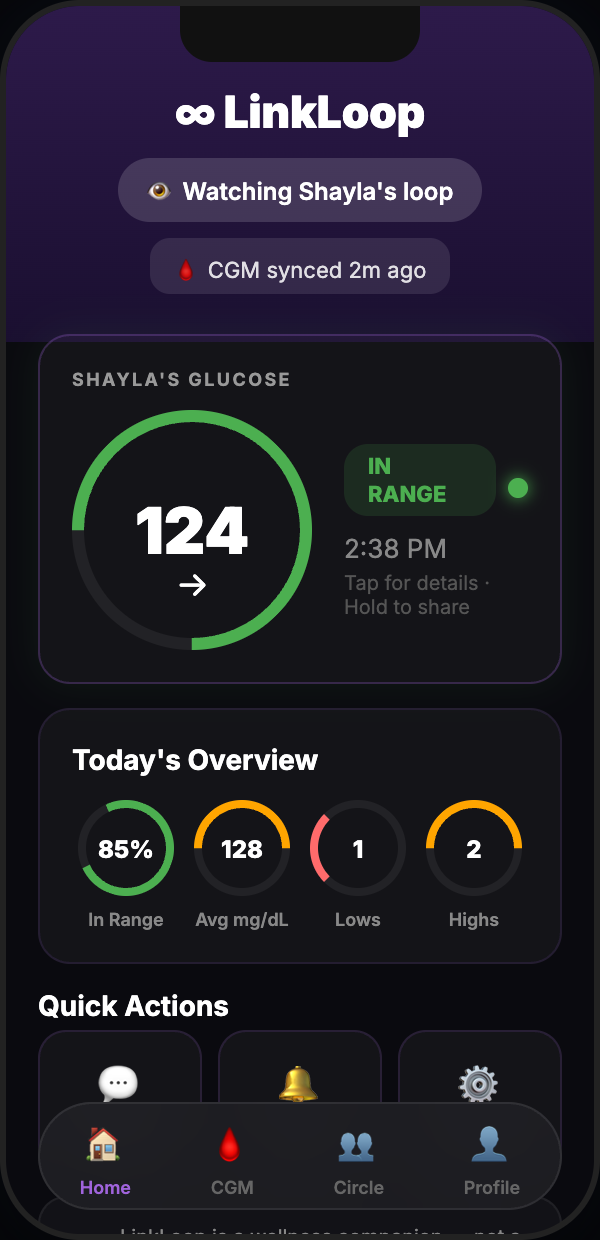
Loop Member View
This is what a Care Circle member sees - live glucose, trend direction, and last sync time. Read-only by design. No account linking, no data access beyond what the warrior shares.
Care Circle View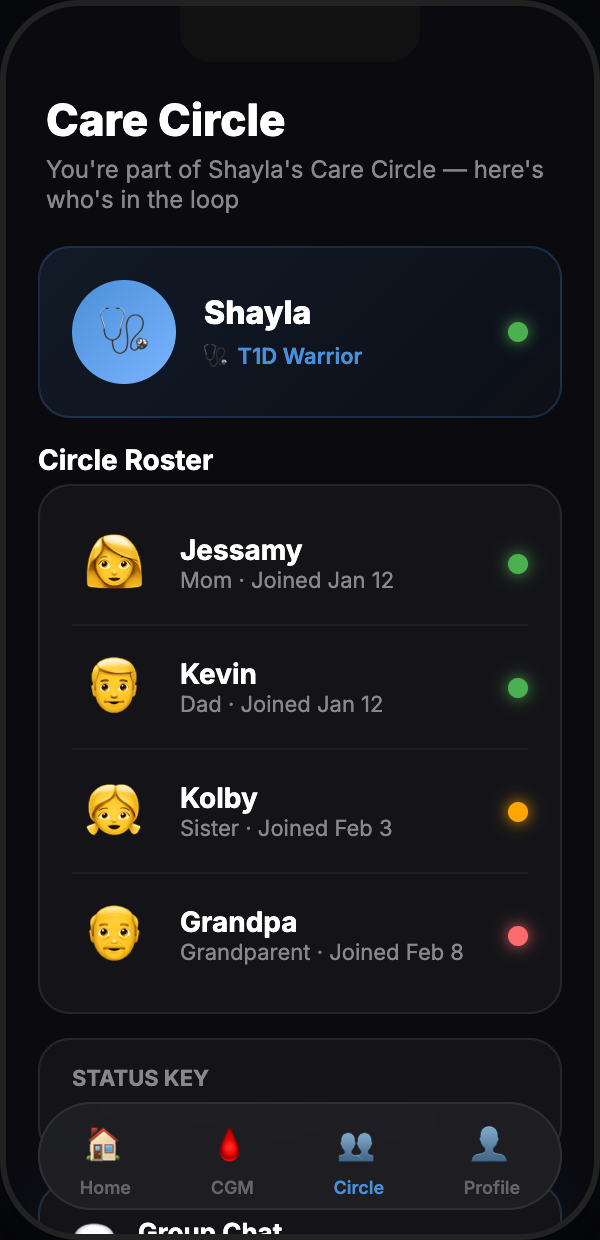
Live Status Roster
A glanceable roster of every person in the loop - current glucose status, color-coded by range, and time since last reading. Built for quick checks at a glance.
Care Circle View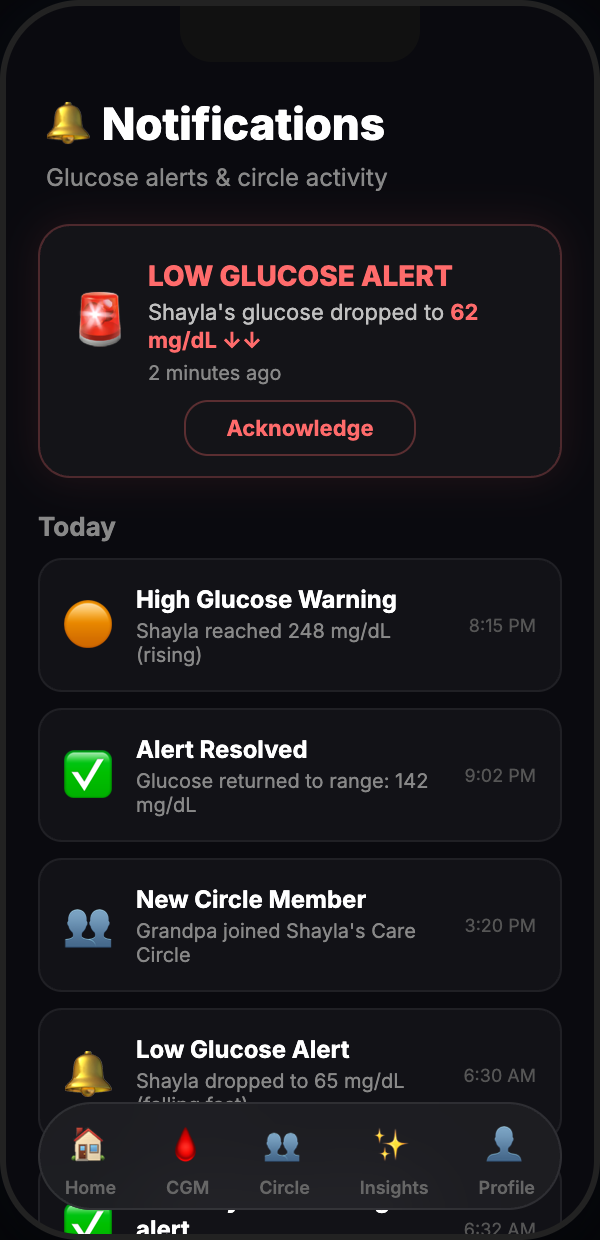
Smart Alerts
Set high and low thresholds once. When glucose crosses them, LinkLoop pushes a notification to every Care Circle member simultaneously - not just the warrior wearing the sensor.
Whole Circle Notified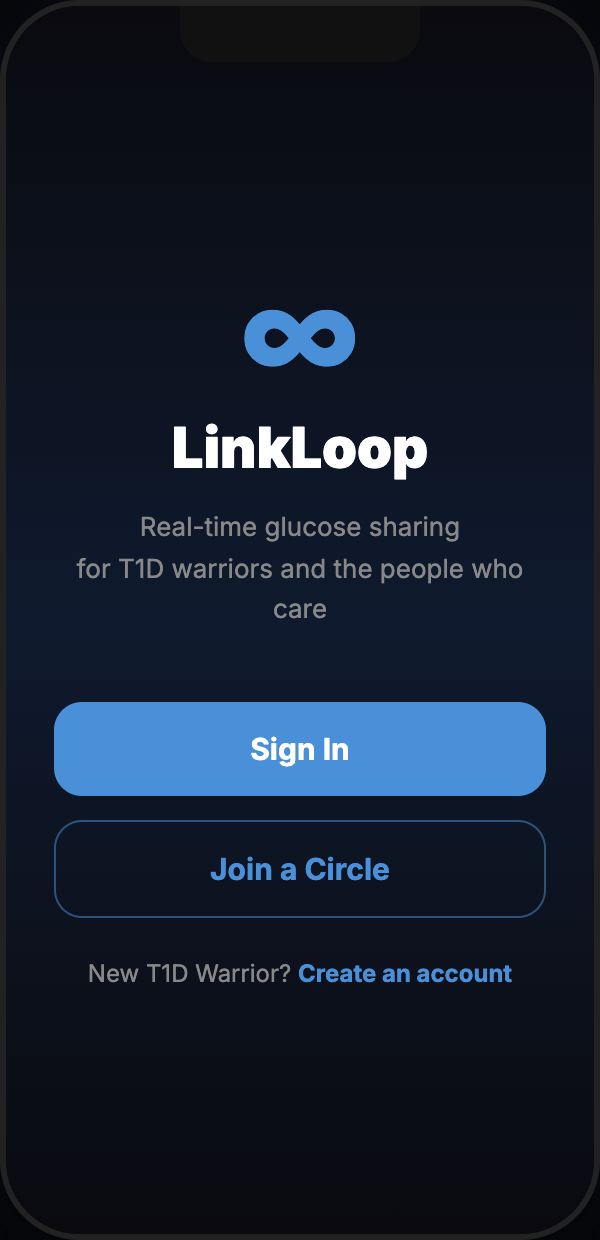
Welcome & Onboarding
Choose your role - Warrior (connect your Dexcom) or Care Circle (join with an invite code). Live in under two minutes. No manual pairing, no Bluetooth setup.
Under 2 MinutesApple Watch
Glucose on your wrist - dedicated Watch app, complications, and alerts.
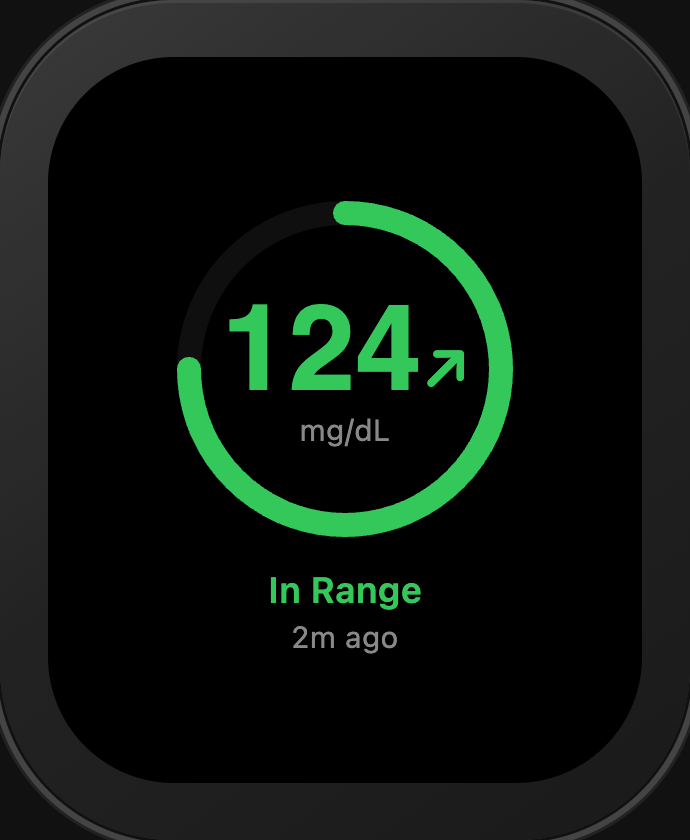
In Range
Current glucose reading, trend arrow, and range status - right on your wrist.
Watch App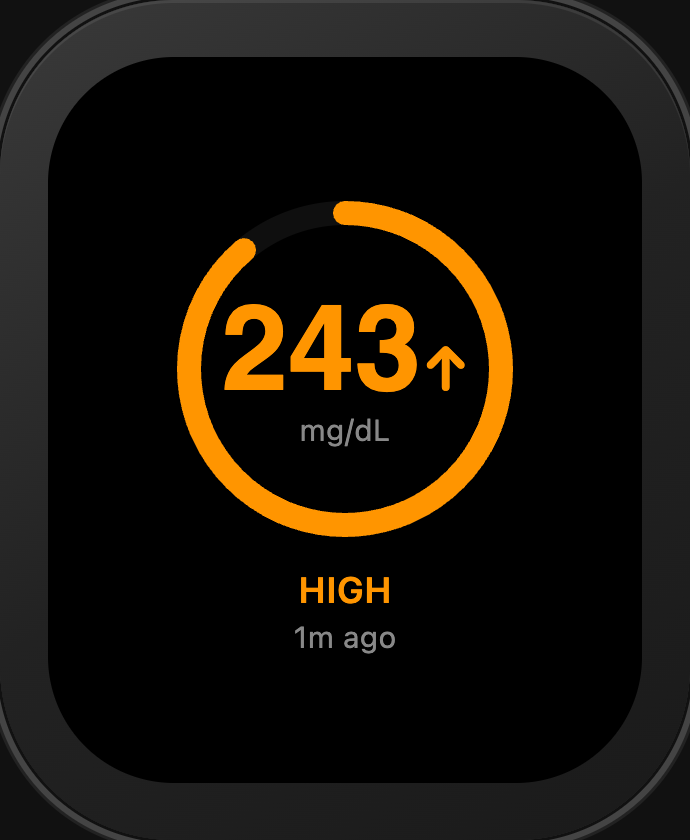
High Glucose
Color-coded alert when glucose rises above your configured threshold.
Alert State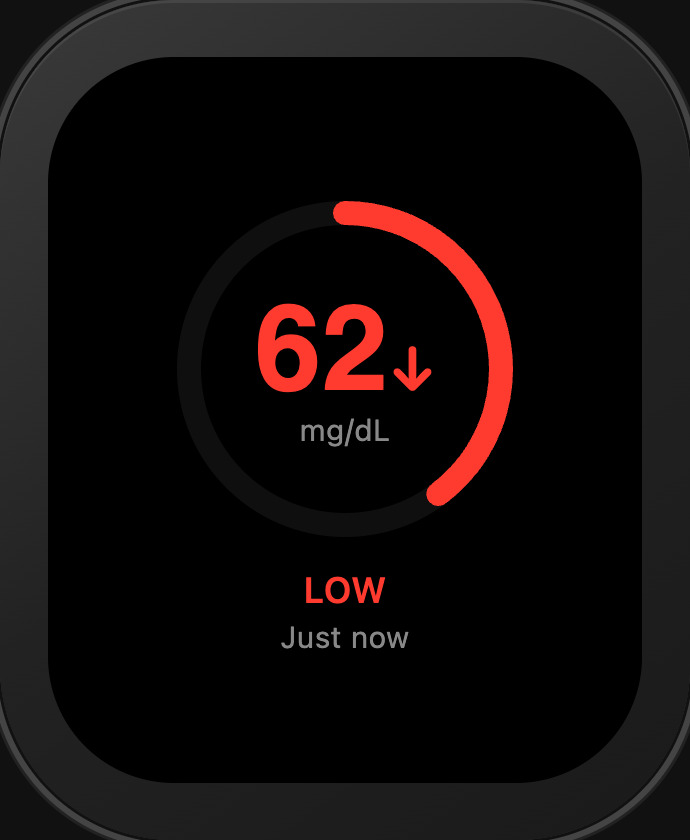
Low Glucose
Urgent low indicator - the most important alert, impossible to miss on your wrist.
Urgent Alert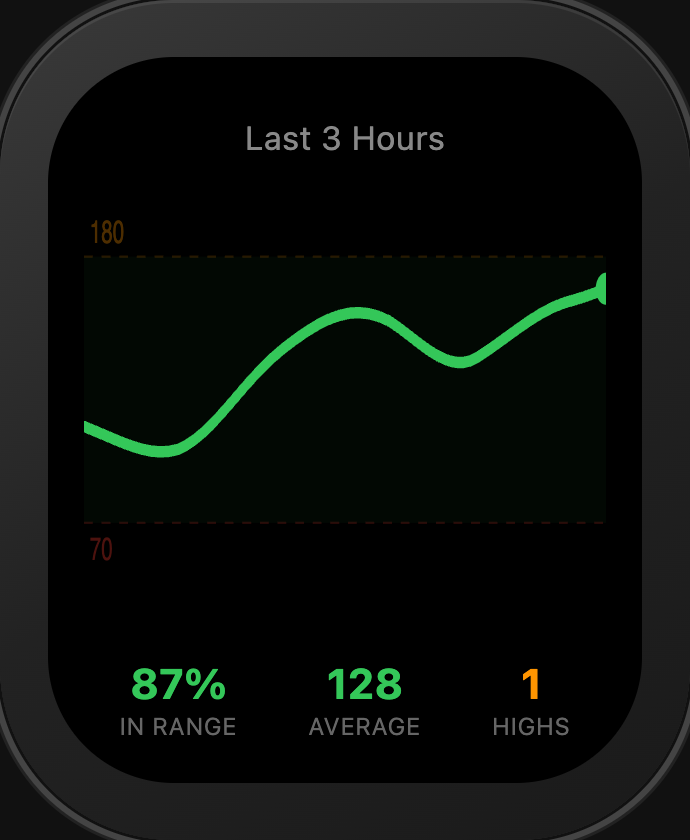
3-Hour Trend
Recent glucose history rendered as a mini chart - spot trends without reaching for your phone.
Watch App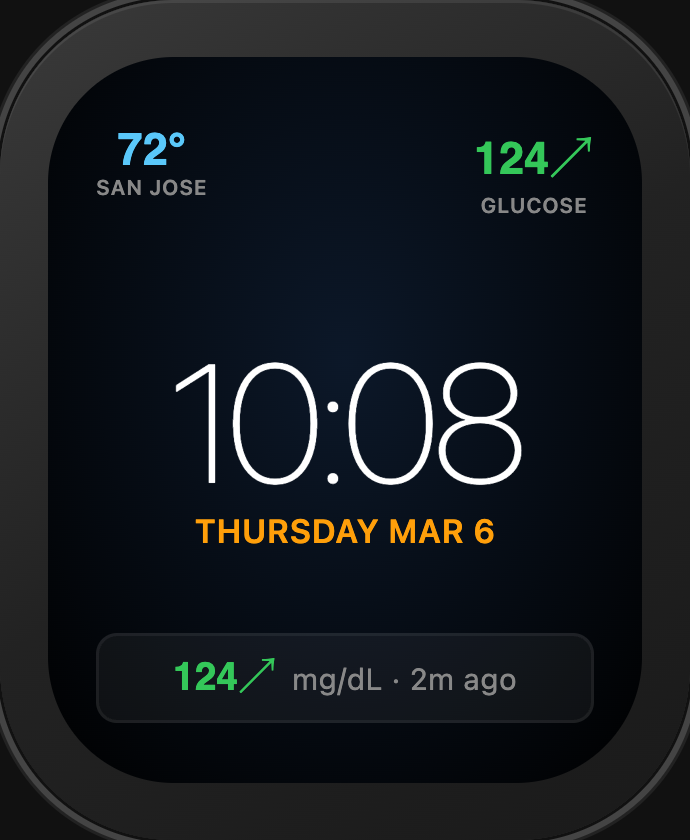
Infograph Face
LinkLoop complication on the Infograph Watch face - glucose at a glance alongside your other complications.
Complication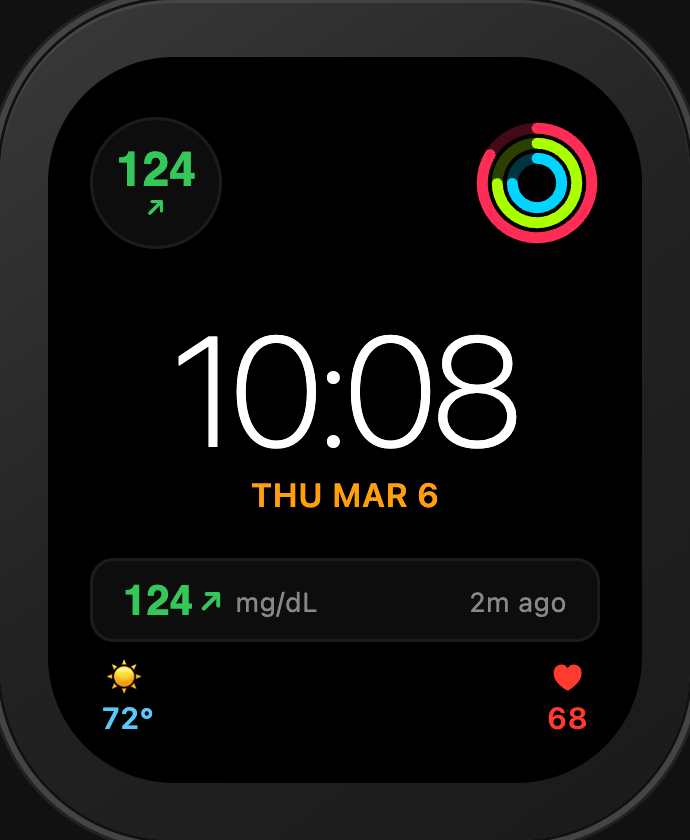
Modular Compact
Clean, data-focused Watch face with the LinkLoop complication front and center.
Complication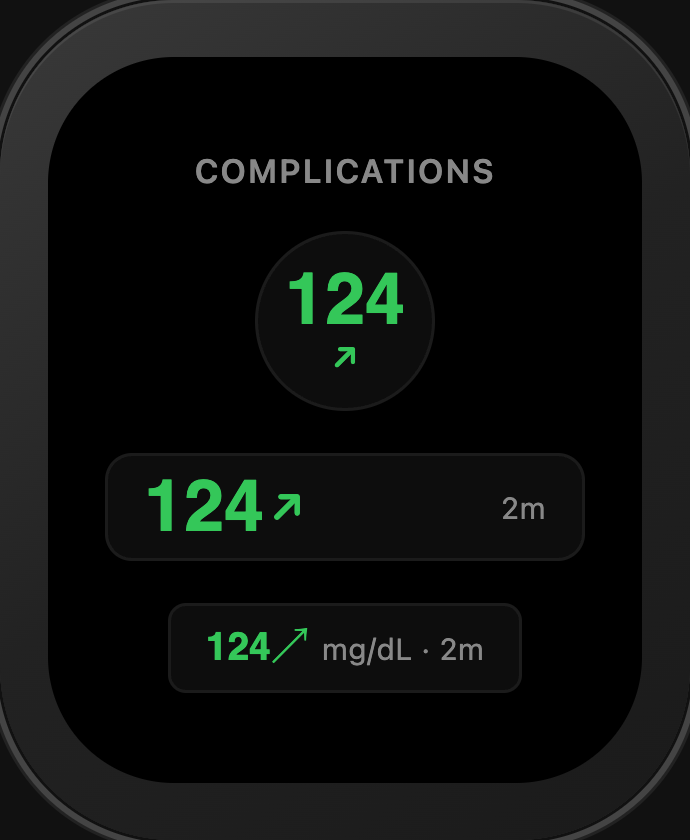
Complication Styles
Every complication layout and color-coded glucose state - from urgent low to very high - at a glance.
All StylesDownload LinkLoop
Live now on the App Store and Google Play. Free download - built for T1D families by a T1D dad.